
USB-C vs Lightning earphones: which fits your phone?
Match your earphones to the charging port on your phone. iPhone 15 and later use USB-C. The iPhone 14 and iPhone SE (3rd generation) use Lightning.
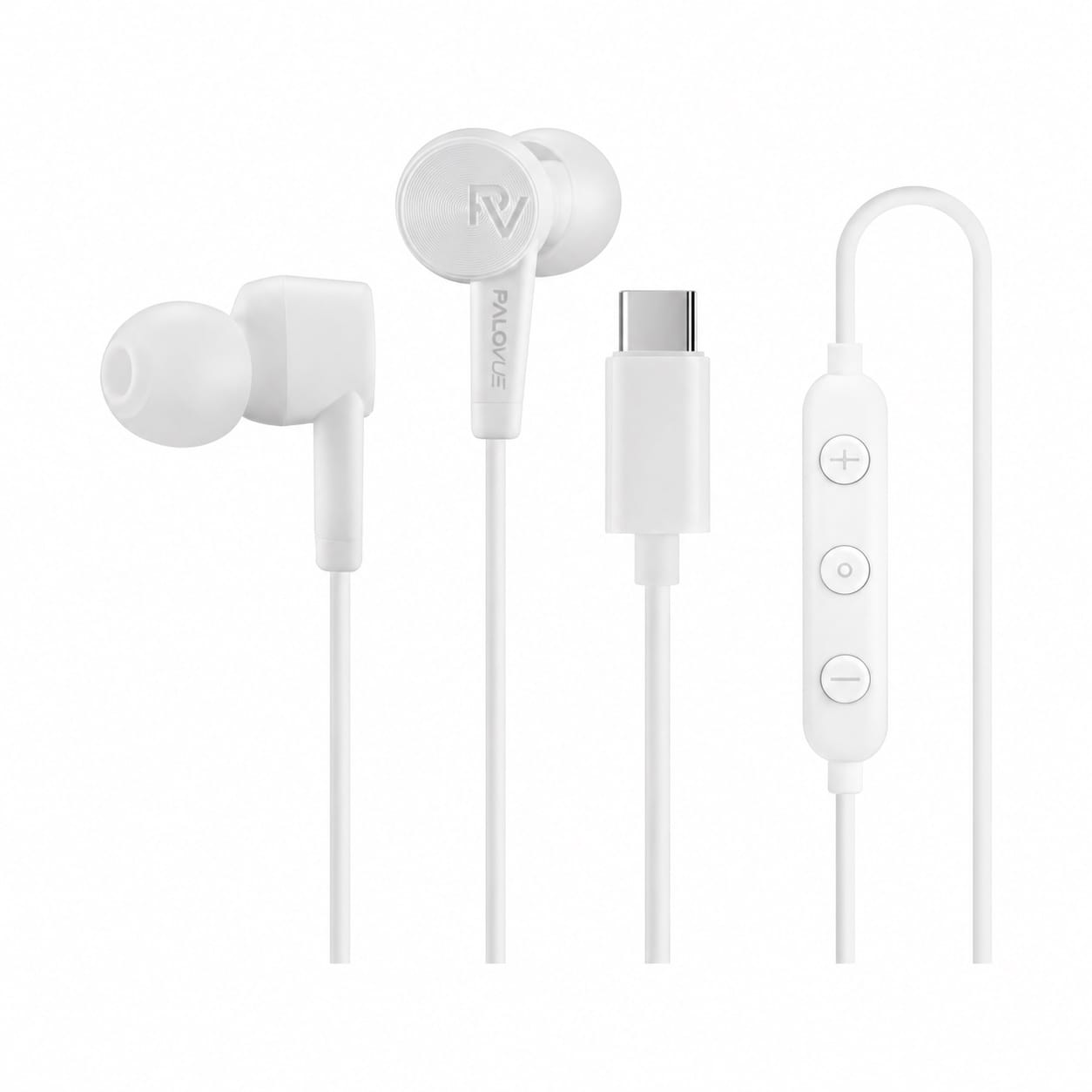
USB-C
Rounded metal shell. Choose this for iPhone 15 or later, or a USB-C device that supports wired USB audio.
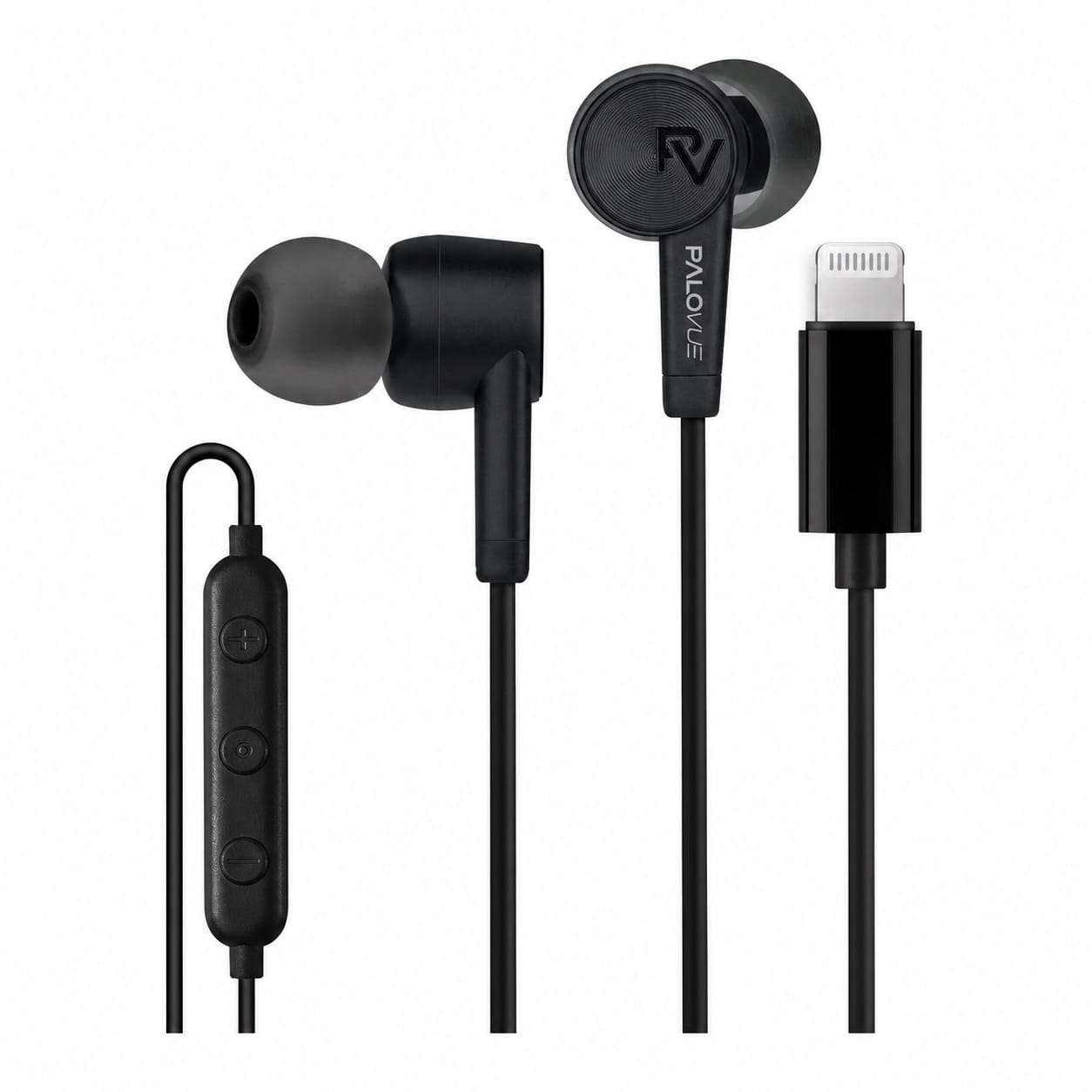
Lightning
Flat metal tip with visible contacts. Choose this for an Apple device with a Lightning port.
Which plug do I need?
| Device | Earphone plug |
|---|---|
| iPhone 15 or later | USB-C |
| iPhone 14 series or iPhone SE (3rd generation) | Lightning |
| iPad | USB-C or Lightning, depending on the model |
| Android phone, tablet or laptop with wired USB audio support | USB-C |
| Device with a round headphone jack | 3.5 mm |
How to check your port
On iPhone, go to Settings → General → About to find the model name. You can also compare the plug on your current charging cable with the photos above. USB-C has a hollow metal shell. Lightning has a solid tab with exposed contacts.
For an Android phone, tablet or laptop, check the maker’s specs for USB audio support. If you use your earphones for calls, confirm the device supports the inline microphone and the controls you need.
Can I use Lightning earphones with a USB-C iPhone?
The Lightning plug does not fit a USB-C port directly. Use the matching earphones for a direct connection. If you want to keep your existing pair, look for a USB-C to Lightning adapter that explicitly supports audio. Check microphone and control support if you need those features.
Can I use 3.5 mm headphones with a USB-C or Lightning phone?
Yes, with a headphone adapter that supports audio and matches the phone’s port. Choose USB-C to 3.5 mm for a USB-C phone or Lightning to 3.5 mm for a Lightning device. For calls, check that the adapter supports a headset microphone as well as audio playback.
Why do my wired earphones have no sound on iPhone or iPad?
Check the volume and reseat the plug. Remove the case temporarily if it blocks the plug from going in all the way. Try a second compatible pair in the same port to help isolate the problem. If you’re using an adapter, check that it supports audio.
Get help with your Palovue earphonesApple’s documentation covers USB-C on iPhone, iPhone 14 specs,iPhone SE specs, wired adapters, and wired headphone troubleshooting.